mc9py
Script Micro-Cap 9 from Python. Describe or open a circuit, run analyses, get the numbers, and take screenshots that are MC9's own pictures - with its cursors, cursor tables and voltage boxes. Works on Linux (sandboxed Wine) and Windows.
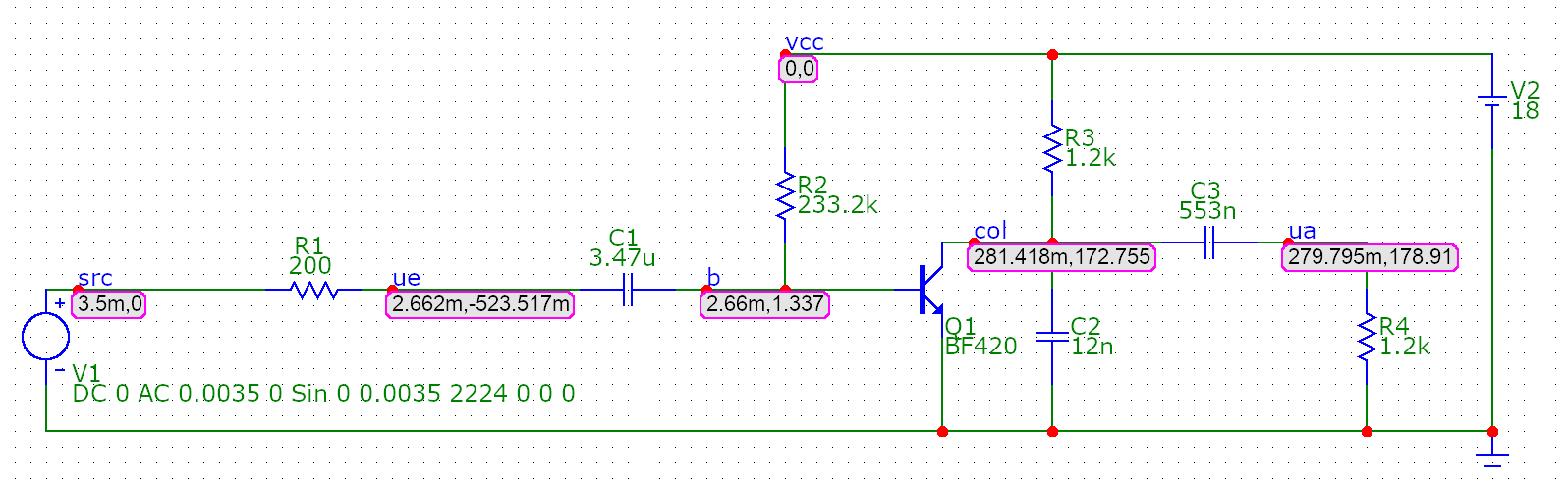
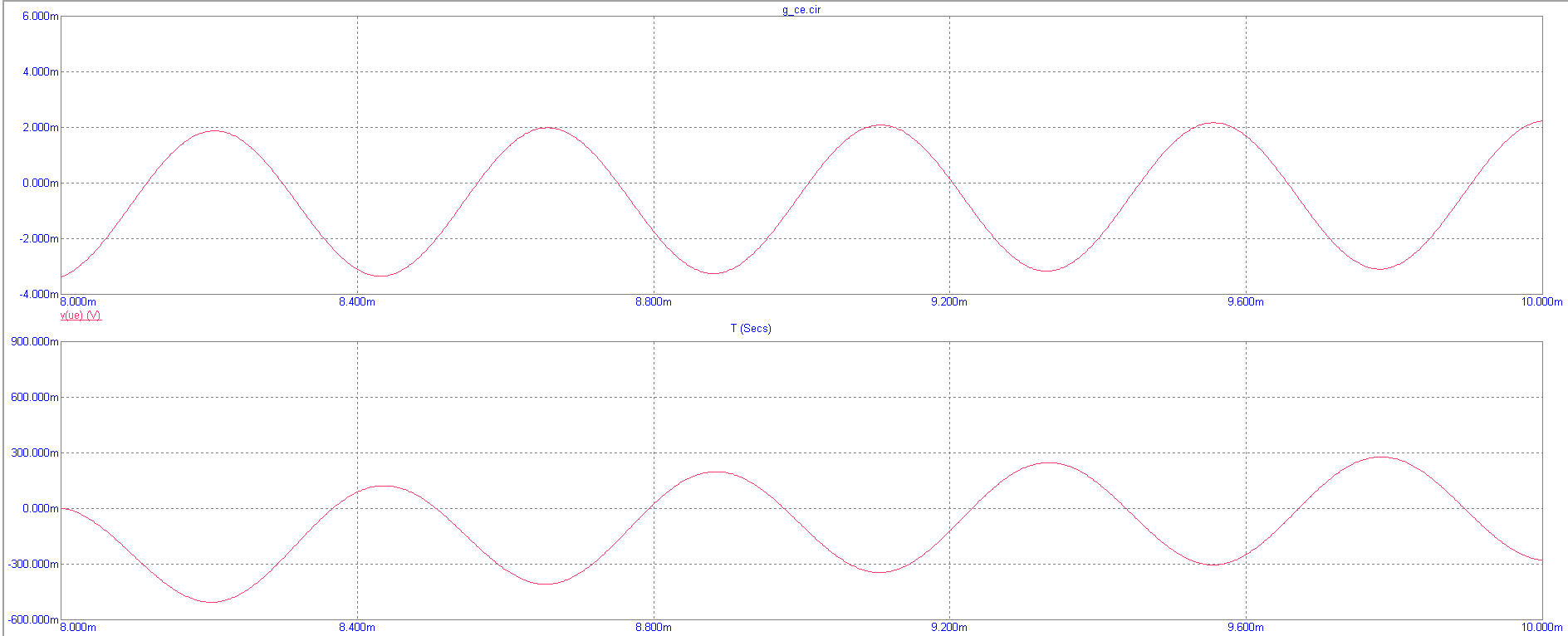
- Native pictures - plots and schematics are MC9's own pixels. Nothing is re-plotted, so they are exactly what teachers expect.
- Real numbers - every value comes from MC9's numeric output: operating points, AC/transient/DC tables, THD, Rin, Rout.
- Circuits from code - write a SPICE-like netlist and get a placed, routed, label-collision-free schematic.
- Safe by design - on Linux MC9 runs in a bubblewrap sandbox with no network and no access to your files.
- AI-ready - a built-in MCP server lets an assistant build, simulate and photograph circuits for you.
import mc9
from mc9 import measure

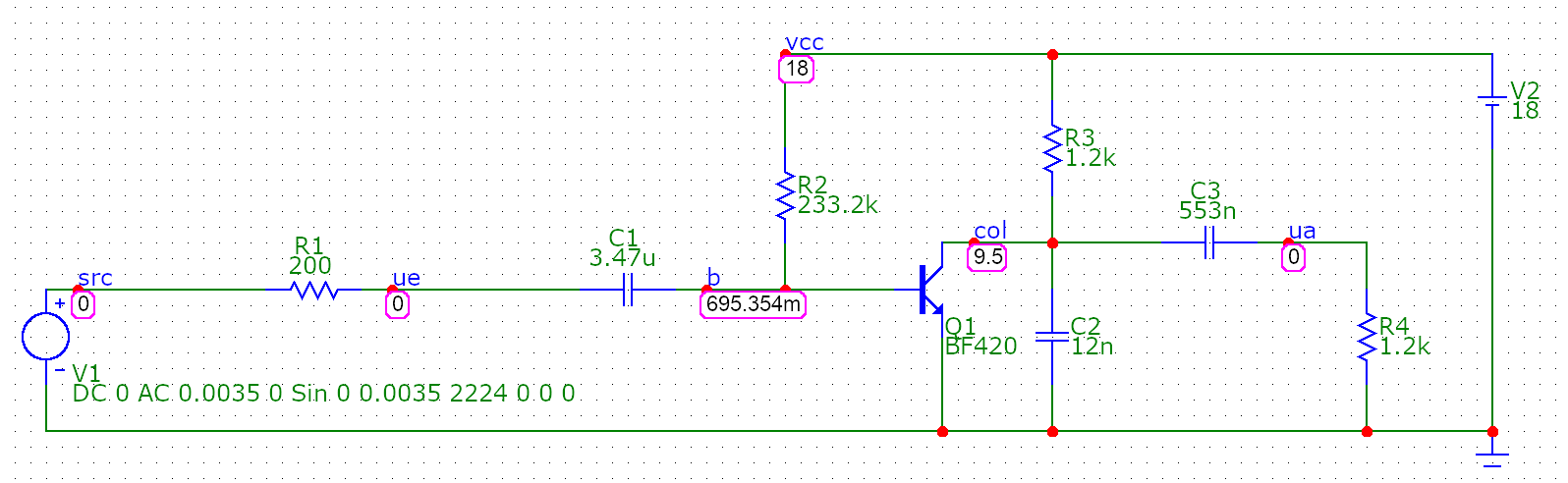
c = mc9.library.ce_amplifier().build("amp")              # a common-emitter stage, drawn automatically
print(c.op()["Q1"]["IC"])                                 # 7.089e-03  (A)
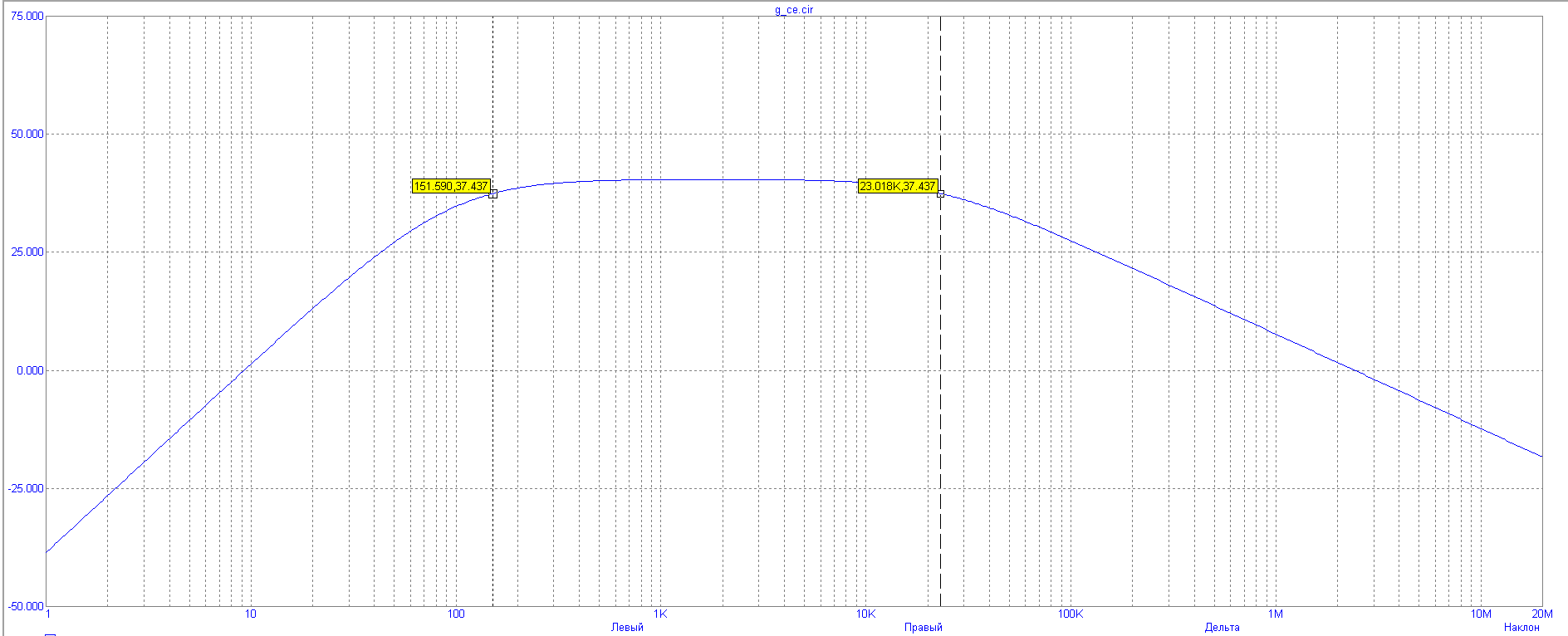
bw = measure.bandwidth(c, "db(v(ua)/v(ue))", cursors=True)   # -3 dB band; MC9's cursors on the edges
c.shot("response.png")                                    # MC9's own plot with its cursor table
Gallery
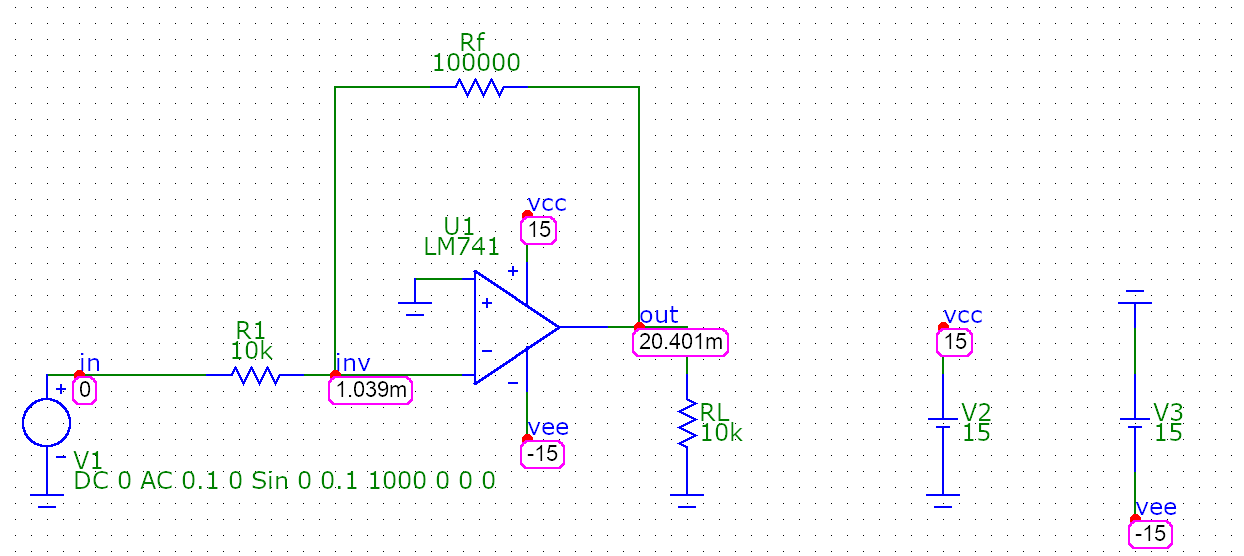
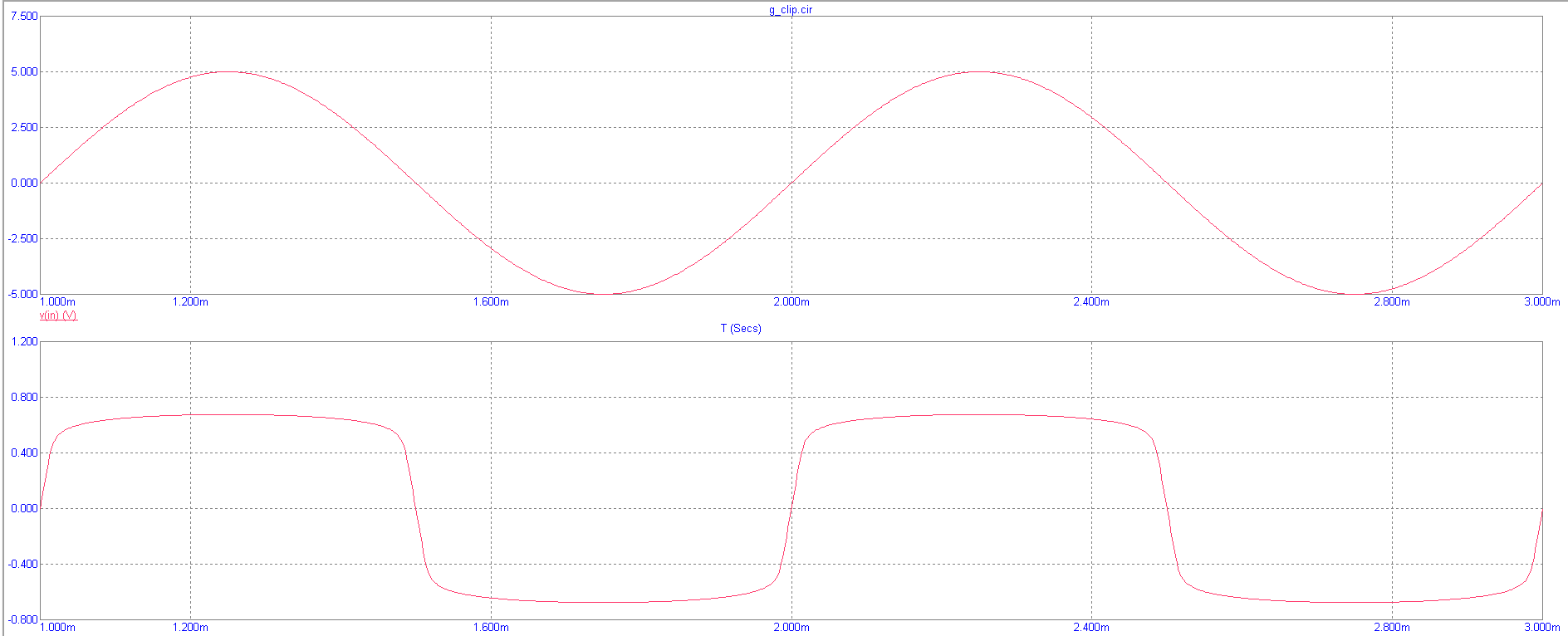
Everything below was produced by scripts - the circuits were placed automatically and every picture is a screenshot of MC9.
 |
 |
 |
 |
 |
 |
Where to go
- New here? Install and run the quickstart.
- Doing a lab? Analyses -> Cursors and screenshots -> Measurements.
- Drawing circuits? Automatic placement or the Schematic builder.
- Curious how it works? Architecture.
Support matrix
| Linux | Windows | |
|---|---|---|
| Backend | Wine + Xvfb + bubblewrap sandbox | native, Win32 API |
| Tested | real MC9 (Russian GUAP 9.0.3) | Windows Python under Wine driving MC9; real-Windows reports welcome |
| UI language | calibrated for the Russian edition, other editions need a calibration | independent |
| Python | 3.10 - 3.14 | 3.10 - 3.14 |
Micro-Cap is a trademark of Spectrum Software. This project is independent, contains no MC9 code and needs your own licensed copy.